


You know the feeling. You've hit a bucket of balls, the contact felt decent, and your driver might've even looked better than last week, but you still don't know what changed. Golf swing trackers solve that problem by turning practice from guesswork into feedback, whether you care most about ball speed, club path, wrist motion, or just getting a cleaner picture of what your swing is doing session to session. The hard part now isn't deciding whether to use one, it's choosing the right kind.
That choice matters because the category has split into three very different jobs. Launch monitors measure what the ball and club are doing. Body and wearable tech measures how you move. Analytics platforms turn all of it into something you can use on the range. The best result usually comes from matching the tool to the problem, not buying the flashiest dashboard.
If you want a practical shortlist, start with your use case. Need portable ball flight data for the range or a garage sim, look at launch monitors. Want to understand your wrists, release, or delivery, wearable tech makes more sense. Already own hardware and need a smarter practice plan, an analytics platform is often the missing piece.
Table of Contents
- 1. Garmin Approach R10
- 2. Rapsodo MLM2PRO
- 3. SkyTrak+
- 4. FlightScope Mevo+
- 5. Full Swing KIT
- 6. Uneekor EYE MINI Series
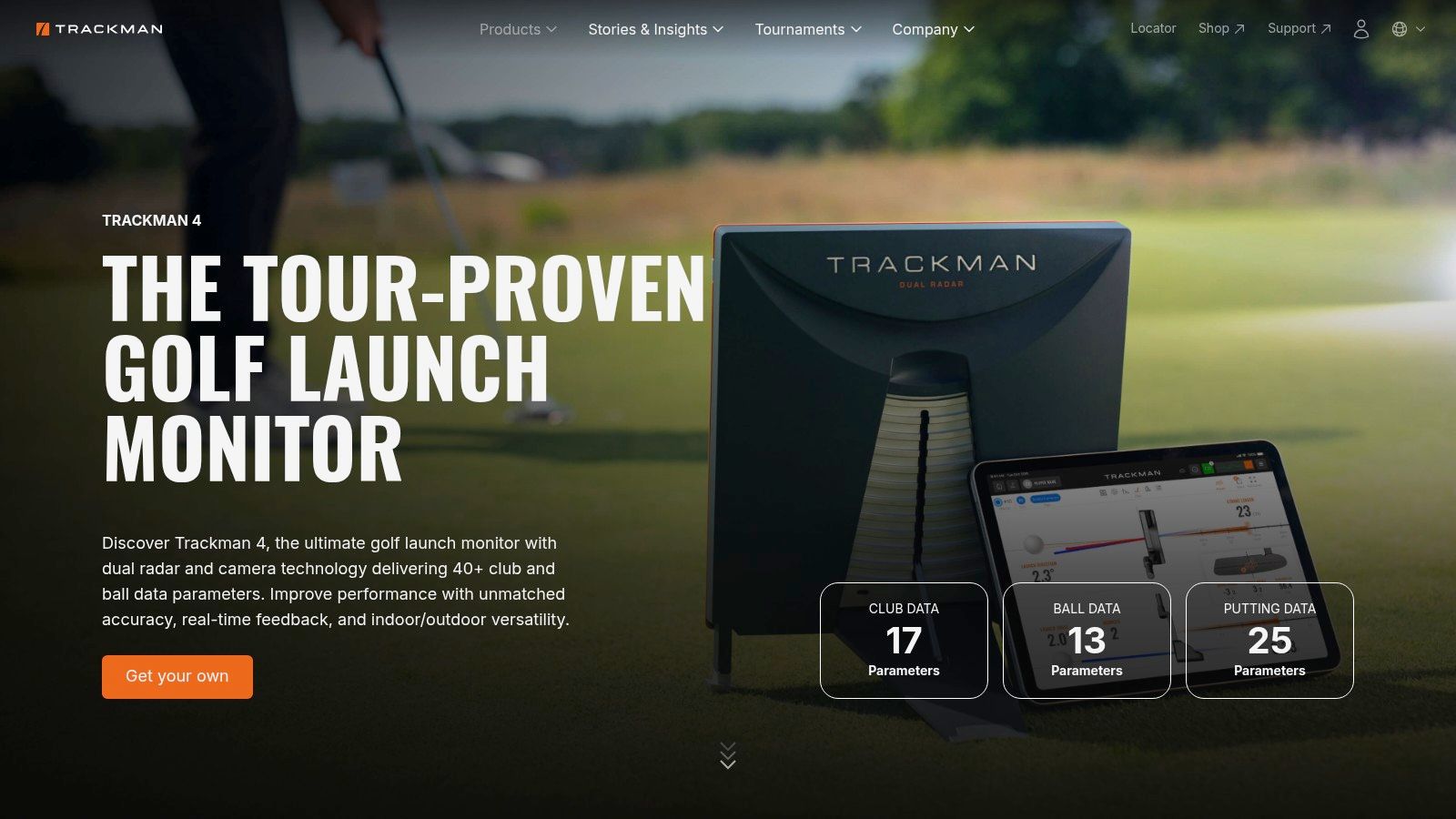
- 7. TrackMan 4
- 8. Sportsbox 3D Golf
- 9. HackMotion
- 10. Dialed Golf
- Top 10 Golf Swing Trackers, Feature Comparison
- How to Turn Tracker Data Into Lower Scores
1. Garmin Approach R10
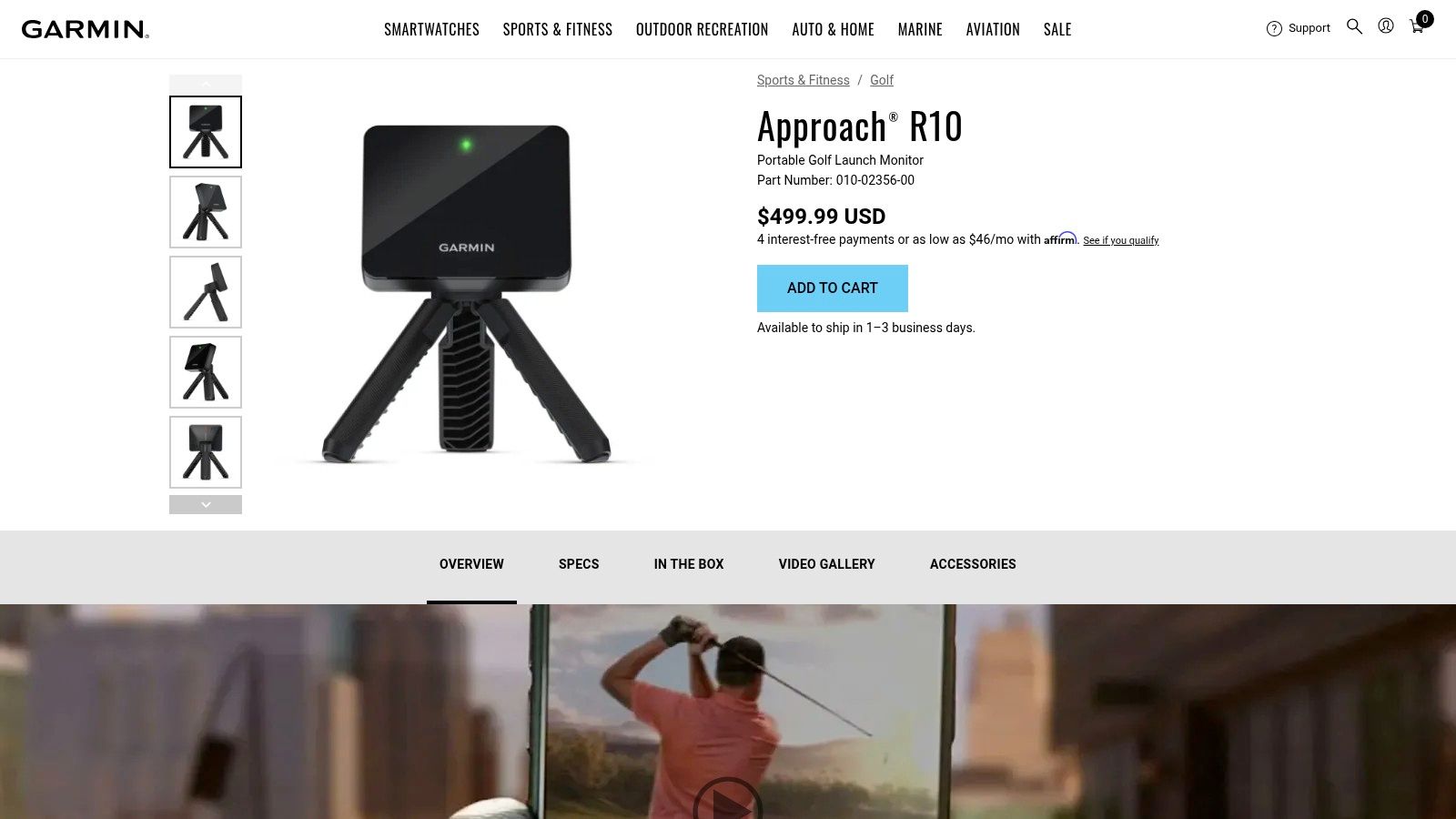
The Garmin Approach R10 is still the easiest entry point for golfers who want real launch-monitor feedback without jumping straight into premium pricing. It's compact, radar-based, and built for indoor or outdoor use, which makes it a natural fit for a golfer who practices at the range during the week and in a garage net on weekends. The companion ecosystem matters too, because the Garmin Golf app adds video clipping, shot overlays, and sim options that make the numbers easier to use.
Practical rule: if you want a tracker that helps you see the difference between a pure strike and a bad start line, the R10 is good enough for a lot of players. If you want tour-grade club data in every setting, it's not the final stop.
The R10 makes the most sense for golfers who want a value-first launch monitor and are willing to respect setup. Radar units punish sloppy spacing and inconsistent alignment, so the payoff comes when you use the same setup every session. Its broad support base is also a real advantage, because beginners are far less likely to get stuck with a device that has no community around it.
What it does well
- Portable practice: easy to bring to the range or fit into a compact indoor setup.
- Video feedback: shot clips with overlays make it easier to connect a swing feel to a result.
- Connected ecosystem: useful if you want to explore simulator play later.
Where it falls short
- Setup discipline matters: small alignment mistakes can distort the picture.
- Advanced data can trail premium units: especially when you care about spin detail and club-level precision.
- Simulator extras can add cost: the hardware price is only part of the story.
For a lot of golfers, the R10 is the first tracker that gets used often enough to change habits. That's the win.
2. Rapsodo MLM2PRO
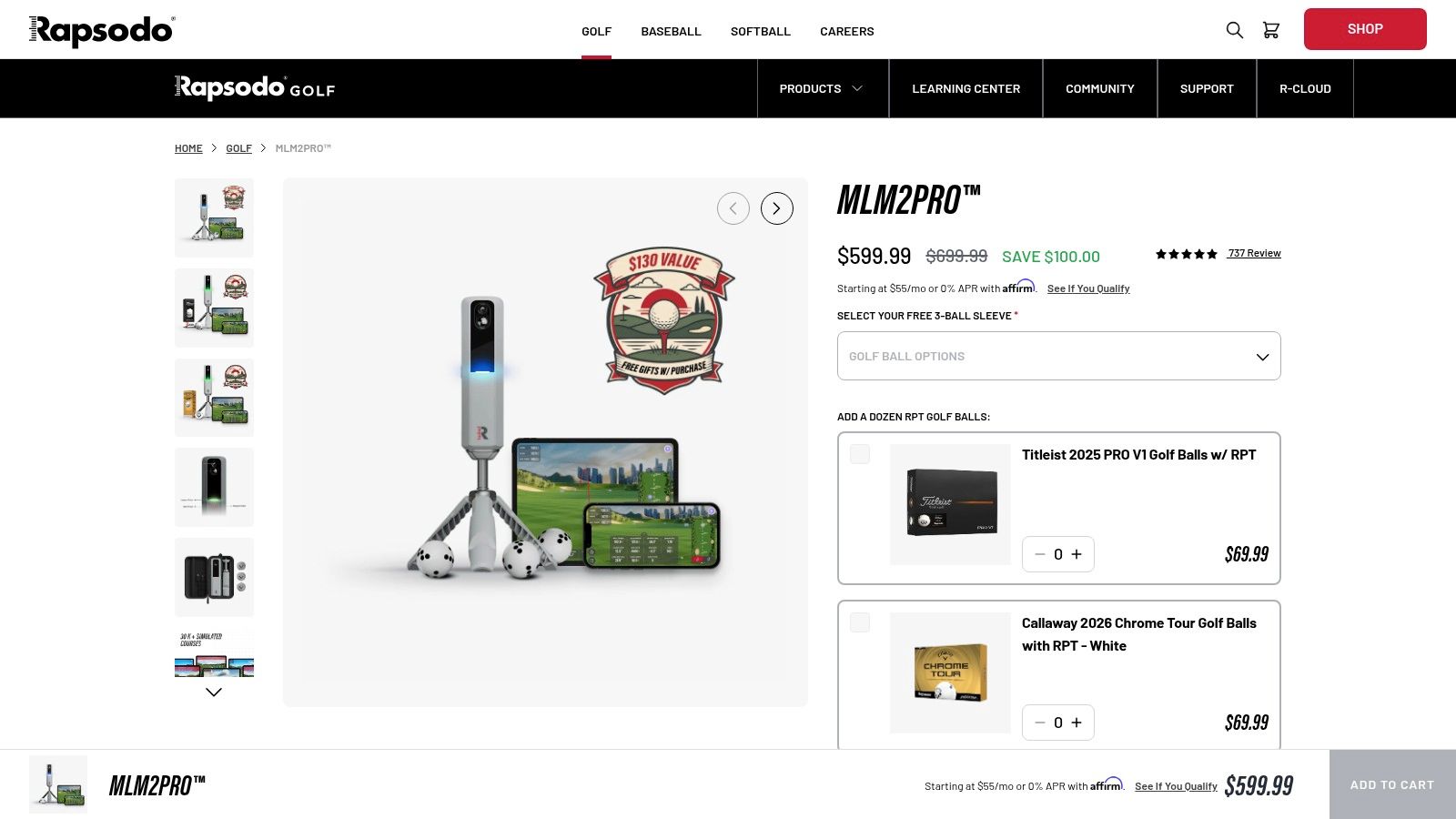
The Rapsodo MLM2PRO stands out because it treats video and spin as part of the same conversation. That's valuable for golfers who don't just want a number on a screen, they want to see what the face and strike looked like when the number changed. With dual-camera plus radar tracking and RPT-marked balls for true spin capture, it's one of the more compelling consumer tools if feedback quality matters more to you than raw simplicity.
The best part is the workflow. You can capture a shot, review impact, and see the data in a way that makes it easier to connect cause and effect. That helps a golfer who struggles with inconsistency, because “I hit that badly” becomes “I know why that one spun too much” much faster when the clip and the metrics are tied together.
The MLM2PRO is strongest for golfers who learn visually. If you coach yourself by looking at motion and ball flight together, it gives you a cleaner loop than data-only tools.
A few trade-offs are real, though. Many premium features sit behind a membership, so the purchase decision isn't just hardware. Indoor spin reads also demand careful setup, which means it rewards golfers who are willing to be patient with alignment and ball choice. Outdoors is usually the smoother experience.
Use the Rapsodo MLM2PRO when you want a tracking tool that feels like a feedback lab, not just a range gadget. If you also want a simple way to compare shot windows and club tendencies across sessions, pairing it with a structured fitting workflow helps a lot. The golf ball fitting workflow is especially useful here, because spin and launch can look very different once you change balls.
3. SkyTrak+
The SkyTrak+ has long been popular with home-sim golfers because it makes indoor practice feel manageable. Its dual-camera plus infrared tracking approach is appealing for players who want an indoor-first system with a familiar interface and a broad simulator ecosystem. For many home users, that combination matters more than chasing the absolute deepest pro-level feature set.
What keeps SkyTrak relevant is the software experience. Practice modes, skills assessments, and session history make it easier to build a repeatable routine instead of just launching random shots into a net. That's the key advantage of a good simulator platform, it gives structure to a session that would otherwise become mindless repetition.
The big question with SkyTrak+ is whether your space and expectations line up with camera-based tracking. Indoor lighting and alignment can affect the experience, and some features require paid plans. That doesn't make it a bad buy, it just means it rewards golfers who already know they want a home setup and are willing to tune it properly.
For golfers working on carry gaps, the SkyTrak+ can be especially useful when you compare club windows over time. A simple distance reference helps keep practice honest, and the carry distance chart tool is a smart companion if you're trying to map clubs rather than just stare at raw shot numbers.
If your priority is a home simulator that feels approachable and well supported, SkyTrak+ belongs near the top of the list. It's less about brute-force data collection and more about making a home practice space usable week after week.
4. FlightScope Mevo+
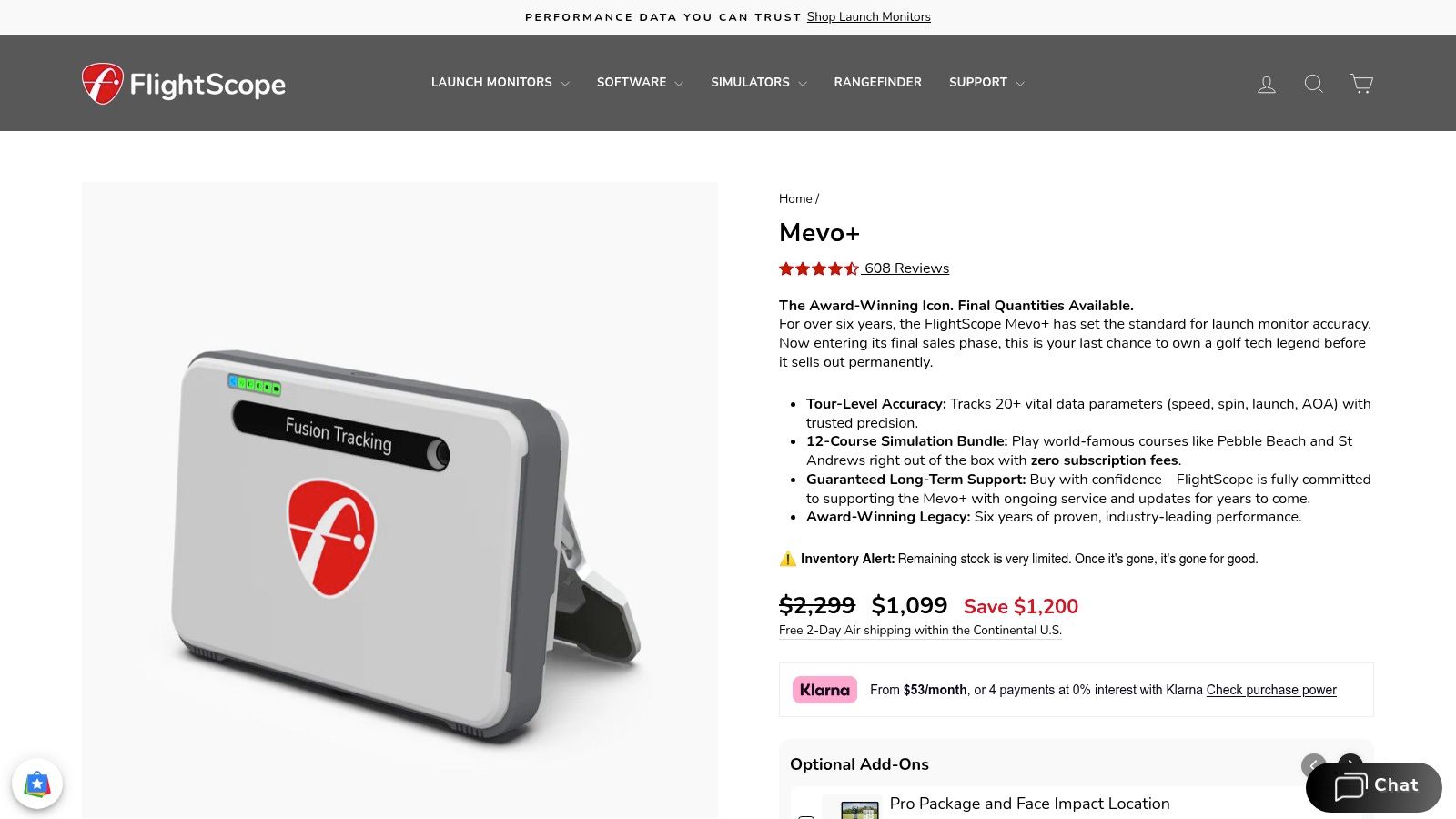
The FlightScope Mevo+ is the kind of launch monitor serious amateurs end up respecting after a few sessions, because it does the fundamentals well and doesn't force you into a subscription just to access base data. Its fusion tracking combines radar and image processing, and the platform is known for a deep set of ball and club parameters that make practice feel more diagnostic than recreational.
That matters when you're working on a real swing problem. If your start line is off, your attack angle is inconsistent, or your strike quality keeps changing, the Mevo+ gives you enough information to isolate patterns without overwhelming you with fluff. It's also a practical fit for indoor sim users and coaches who want a structured skills environment.
Best use case: golfers who want solid repeatability and enough data to diagnose misses, not just admire ball flight.
The downside is setup complexity. Indoor spacing, room conditions, and metallic clutter can affect performance, and the more advanced club data costs extra through add-ons. That means this is not the most plug-and-play option. In exchange, you get a platform many golfers trust because it behaves like a tool rather than a toy.
If you're trying to build a dependable practice routine, the Mevo+ works well when you focus on a handful of metrics each session. That mirrors the way good coaching works, one priority at a time, then verify the change. Used that way, it becomes a strong bridge between amateur convenience and more advanced analysis.
5. Full Swing KIT
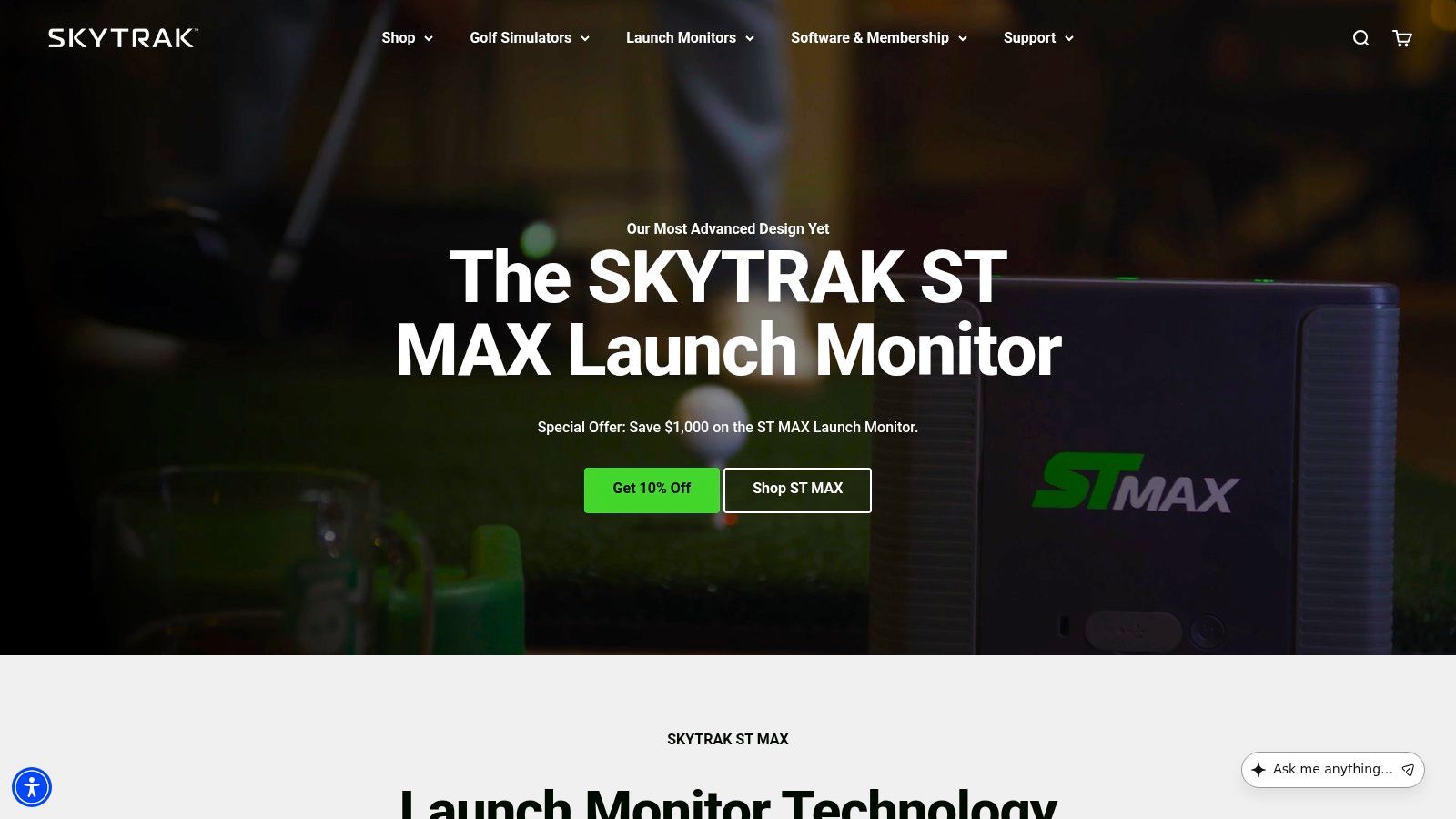
The Full Swing KIT lives in the space between consumer launch monitors and tour-level hardware, and that positioning is a big part of its appeal. It uses Doppler radar and adds impact video through Club Optix, which gives you a cleaner way to connect strike quality to ball flight. The absence of a mandatory subscription for core data is another point in its favor.
This is a tracker for golfers who care about how the shot looked and what the numbers said at the same time. That can be a huge advantage during driver tuning or wedge gapping, because the visual record makes it easier to remember what worked. The chassis and battery are built with range use in mind, so it feels like equipment that belongs in a serious practice bag.
Where the KIT gets more demanding is space. Indoor accuracy and setup requirements are real, so this is best if you have room and are willing to set it up properly. The price also places it above entry-level hardware, which is fair given the performance tier but still a barrier for many golfers.
If you're the kind of player who wants feedback you can trust on a driving range and you don't mind paying for sturdier hardware, the KIT is a smart pick. It's especially attractive for golfers who want a clear visual loop without getting buried in unnecessary app clutter.
6. Uneekor EYE MINI Series

The Uneekor EYE MINI series is built for golfers who want indoor accuracy without committing to a fully permanent setup. Uneekor's camera-based approach has a strong reputation for ball and club measurement, and the Dimple Optix visualization is useful because it helps you trust what the system is seeing. For home sim users, that trust is often the deciding factor.
The software side is where Uneekor earns its keep. Refine and Refine+ are designed for practice, coaching, and fitting workflows, which means the platform feels more serious than many casual indoor products. That makes sense if your main goal is to work through ball flight patterns, driver tuning, and impact consistency with a repeatable process.
The trade-off is complexity. Different variants and data packs can confuse buyers, and add-on costs can build up if you keep paying for features. Outdoor use is also not the point here. This is an indoor-first tool, and it performs best when you commit to that environment.
For serious practice, that narrow focus can be a strength. You're not buying a do-everything gadget, you're buying a system built to produce useful measurements in a controlled space. If your garage or sim room is where most of your work happens, Uneekor deserves a close look.
7. TrackMan 4
The TrackMan 4 is still the benchmark when the requirement is absolute fidelity. It's a dual-radar plus camera system with extensive software, and it remains the standard in a lot of elite environments because coaches, fitters, and tour players trust the output. If you want the deepest analytics stack and don't mind the cost, this is the name at the top of the list.
TrackMan's own guidance is useful because it shows why the device category matters. An extra 1 mph of ball speed can add up to 2 yards of driver distance, and 1 mph of club speed can add up to 3 yards with the driver, according to TrackMan's educational material. That's the kind of context that makes a premium system valuable, because small changes suddenly have clear performance meaning. TrackMan's guide to understanding launch-monitor data is worth reading if you're serious about how speed translates into score.
Coach's rule: don't buy TrackMan just to collect more numbers. Buy it if you need the most trusted numbers in the room.
The catch is total cost and setup demands. This is not a casual garage upgrade. It asks for space, money, and a willingness to use the software properly. For facilities, fitters, and committed players, that's acceptable. For everyone else, it may be overkill.
The TrackMan ecosystem is especially strong if you want your data to support club fitting, lesson work, and practice planning under one roof. If you're already working from bag gapping and want to tighten the overlap between clubs, the bag gap analyzer is a natural companion to a session like this.
8. Sportsbox 3D Golf
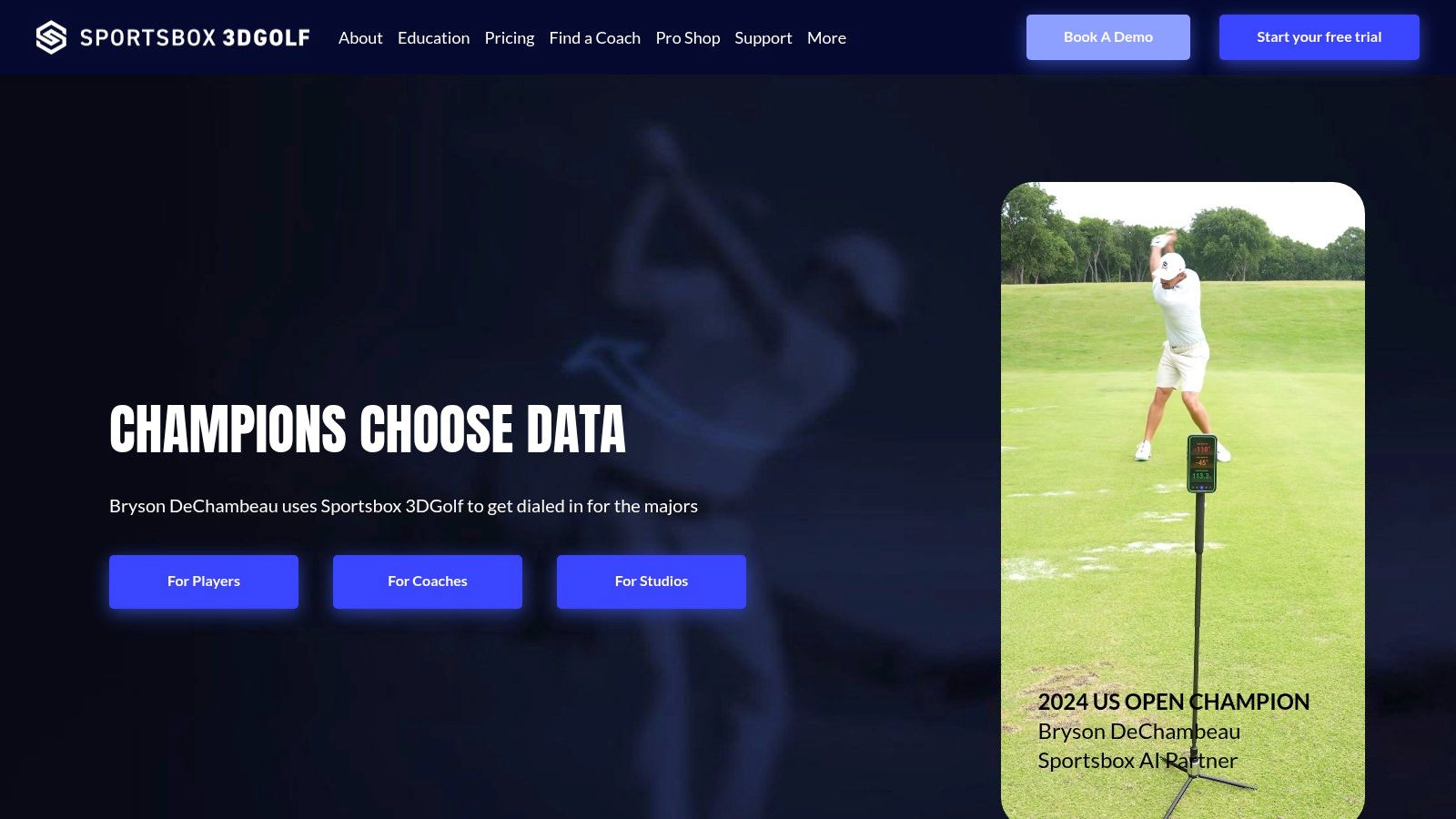
Sportsbox 3D Golf solves a different problem than launch monitors. It doesn't track ball flight. It tracks body motion from video and turns that into 3D movement data, which is valuable when the issue isn't “where did the ball go?” but “what did my body do to create that shot?” That makes it especially useful for coaches and players trying to improve turn, sway, bend, and overall delivery.
The practical advantage is obvious, no extra hardware. You can use a phone, capture a swing, and get a motion-based read without packing another sensor. That makes it travel-friendly and convenient for lessons, range work, and remote coaching. It also pairs well with launch-monitor data, because the body metrics tell you why the shot changed while the launch monitor tells you what changed.
The limitation is equally obvious. It's not a ball tracker, and it depends heavily on camera quality, capture angle, and lighting. So if you want carry numbers, spin, or dispersion, Sportsbox is the wrong category by itself. If you want to understand movement patterns, it's a useful layer.
This is the right tool for golfers who hear coaching cues like “turn more,” “stay centered,” or “re-center your pressure” and want a way to verify those changes in a measurable format. It's also a smart complement to launch monitors for players who need a body-to-ball connection, not just more range data.
9. HackMotion
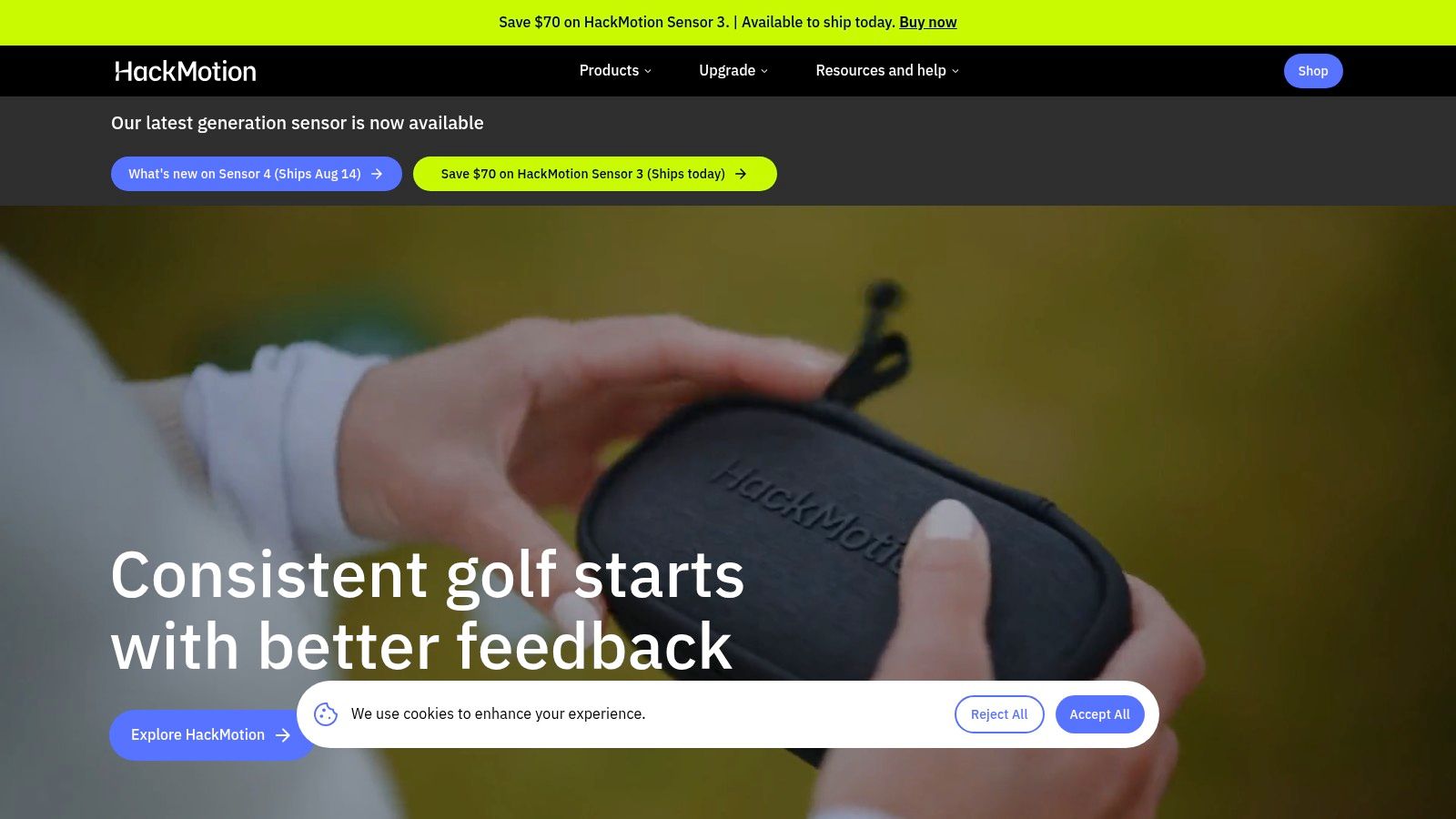
HackMotion is for golfers who are serious about wrist mechanics, and that specificity is exactly why it works. The wearable sensor measures flexion and extension, radial and ulnar deviation, and rotation through the swing. Those are the kinds of patterns that often explain why clubface control breaks down, especially for players who flip, over-release, or fight timing issues.
The biggest benefit is feedback speed. Audio cues and drill guidance let you feel the difference between a good motion and a poor one almost immediately. That makes it a strong training tool for motor learning, because the information arrives while the movement is still fresh in your mind. Coaches like it for that reason, and serious players usually appreciate that it focuses on a narrow problem instead of pretending to measure everything.
The limitation is scope. HackMotion does wrists only, so it needs to be paired with video or a launch monitor to give you full context. The graphs can also take some learning, which means self-guided users may need more patience than they expect. Used well, though, it's a precision tool rather than a gadget.
If your miss pattern is tied to the face and your wrists are part of the issue, HackMotion can be more useful than another launch monitor session. It tells you what your hands are doing, and sometimes that's the missing piece.
10. Dialed Golf
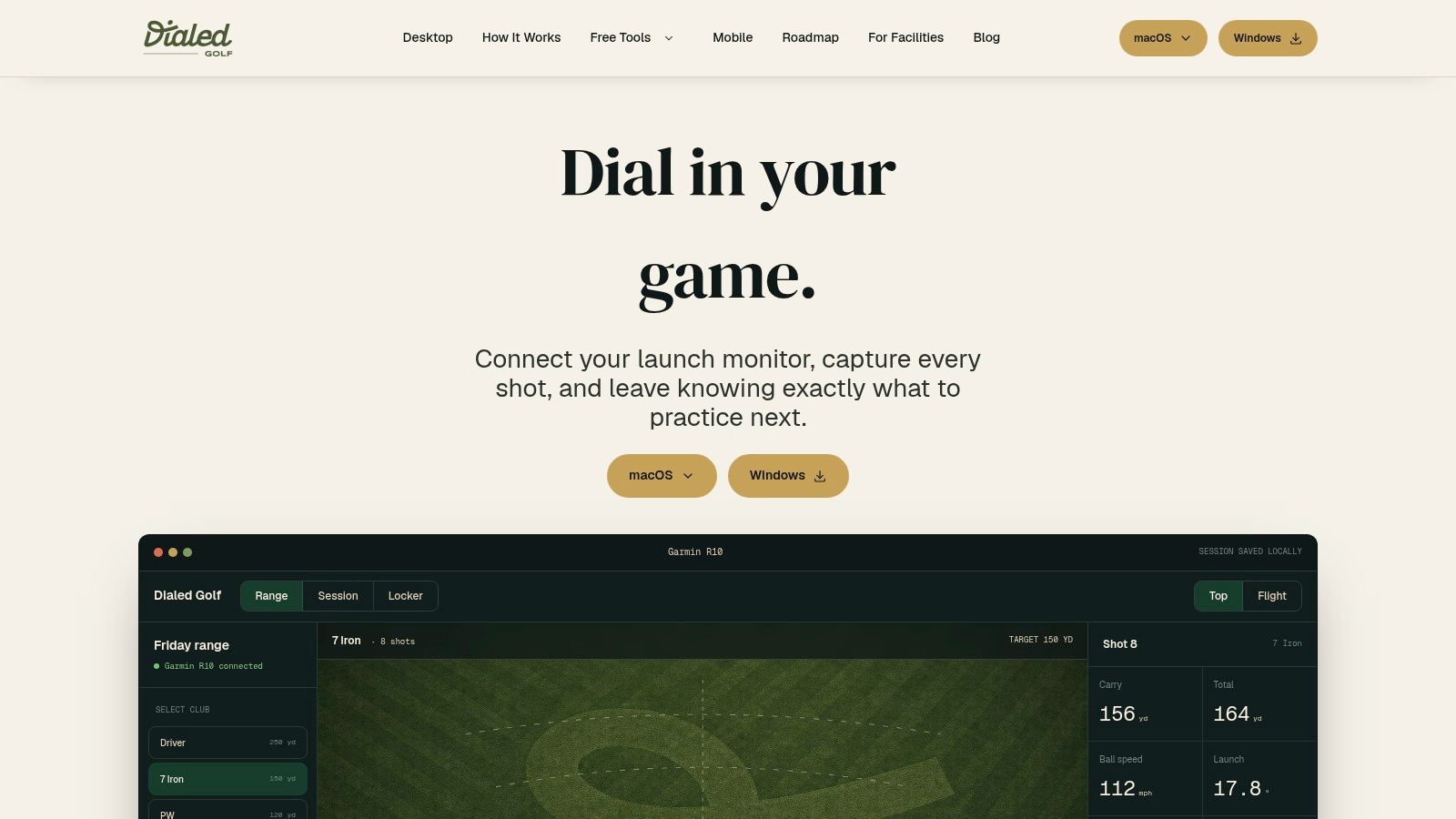
Dialed Golf is the clearest example of what happens when a tracker stops acting like a dashboard and starts acting like a practice coach. It's a desktop-first analytics platform for macOS and Windows that connects to live launch-monitor data, imports CSV exports from tools like Garmin, Rapsodo, SkyTrak, FlightScope, and Uneekor, and organizes shots into clubs, sessions, and trends. The point is simple, it turns raw data into a next-step decision.
That's why it stands out in this list. A lot of golf swing trackers show numbers. Dialed tells you what to do next. It surfaces things like carry windows, dispersion, and start direction, then generates a single practice priority so you leave the range with an actual focus. For golfers who already own hardware, that can be more valuable than buying yet another sensor.
Its CSV-first workflow is a strong fit for golfers who have data scattered across devices and exports. Local shot buffering also matters because range connections aren't always reliable. The app's privacy-minded structure and authenticated desktop storage make it feel built for people who care about keeping their practice data organized, not just visible.
The free web tools are a nice bonus before you ever commit to the desktop workflow. The Golf Ball Fitter, Scorecard Photo Extractor, USGA Handicap Calculator, Tour Read Calculator, Golf Bag Gap Analyzer, Carry Distance Chart Generator, and Wedge Distance Matrix Builder all deliver immediate utility. That's useful if you're comparing clubs, dialing in gaps, or trying to make sense of launch-monitor notes before your next range session.
The only real limitation is that the live pairing stack is still narrow, so golfers who want broad direct device support today may need to rely on imports first. Even so, for serious practice planning, Dialed is one of the smartest ways to make tracker data actionable.
Top 10 Golf Swing Trackers, Feature Comparison
| Product | Core features ✨ | UX / Quality ★ | Value / Price 💰 | Target audience & USP 👥 ✨ |
|---|---|---|---|---|
| Garmin Approach R10 | Radar full‑swing, 10+ ball/club metrics, video overlays, sim support ✨ | ★★★★ | 💰 $, entry‑level sim & gapping | 👥 Casual to improving golfers; ✨ portable, broad ecosystem |
| Rapsodo MLM2PRO | Dual‑camera + radar, in‑flight spin with RPT balls, rich video & cloud ✨ | ★★★★ | 💰 $, mid, subscription features | 👥 Coaches & content creators; ✨ true spin capture, video‑first UX |
| SkyTrak+ | Camera + IR tracking, club data, practice modes & sim integrations ✨ | ★★★★ | 💰 $, strong value in bundles | 👥 Home sim users; ✨ approachable UI & big simulator ecosystem |
| FlightScope Mevo+ | Fusion radar + image, 20+ metrics, optional Pro/Face Impact ✨ | ★★★★ | 💰 $‑$$, pro features cost extra | 👥 Coaches & serious amateurs; ✨ accuracy & repeatability |
| Full Swing KIT | Doppler radar, Club Optix impact video, pro chassis & apps ✨ | ★★★★ | 💰 $$, above consumer level | 👥 Ranges & studios; ✨ tour‑validated, video feedback |
| Uneekor EYE MINI series | High‑speed camera, Dimple Optix, indoor‑first, upgradeable packs ✨ | ★★★★ | 💰 $‑$$, modular pricing | 👥 Fitters/coaches & indoor sim users; ✨ strong indoor accuracy |
| TrackMan 4 | Dual‑radar + camera, 40+ parameters, enterprise software ✨ | ★★★★★ | 💰 $$, premium / facility investment | 👥 Tour pros, academies, fitters; ✨ gold‑standard fidelity & integrations |
| Sportsbox 3D Golf | Markerless single‑camera 3D motion capture, multi‑angle & cloud ✨ | ★★★ | 💰 $, subscription app | 👥 Instructors & players; ✨ body motion metrics from phone video |
| HackMotion | Wearable IMU wrist sensor, real‑time audio biofeedback, drills ✨ | ★★★★ | 💰 $, sensor + app tiers | 👥 Coaches & students focused on wrist control; ✨ instant biofeedback |
| Dialed Golf 🏆 | Desktop analytics (macOS/Windows), CSV‑first imports, Garmin R10 live pairing, local shot buffering, automated carry/disperson insights, free web tools ✨ | ★★★★★ | 💰 Free public tools + contact for app pricing (no public MSRP) | 👥 Data‑driven golfers, coaches & fitters; ✨ single “next practice priority”, CSV‑first consolidation, privacy‑minded local storage |
How to Turn Tracker Data Into Lower Scores
A golf swing tracker only helps if it changes how you practice. The biggest mistake golfers make is collecting data without deciding what to do with it, then wondering why their scores don't move. The better approach is simple, choose one problem, choose one tool that measures that problem well, and keep the practice session narrow enough that you can learn something.
That's why the category split matters. Launch monitors are best when you need ball flight, speed, spin, carry, and dispersion. Body and wearable tech is better when the swing flaw lives in your motion, especially wrists, turn, or delivery patterns. Analytics platforms are the layer that turns all of that into a repeatable plan, which is where most golfers finally stop guessing.
The practical routine I trust is this. Start with a baseline session, keep the setup consistent, and record the club numbers that matter most for your game. Then compare future sessions against that baseline instead of chasing a random hot streak. TrackMan's guidance on small speed gains, the practice recommendations around reviewing after roughly 10 shots from launch-monitor coaching materials, and the broader move toward core metrics like carry, total distance, roll, flight time, apex, ball speed, and launch all point in the same direction, good feedback only matters when it's tied to a decision.
For most golfers, the right next step isn't buying the most expensive tracker. It's choosing the tool that gives honest feedback on the specific part of your game that costs you strokes. If you already own a launch monitor and want that data turned into a clear plan, Dialed Golf is built for exactly that kind of workflow, and it makes the numbers a lot easier to use.
If you're ready to stop treating launch-monitor data like a pile of exports, try Dialed Golf. It organizes your shots, sessions, and club gapping into a practice workflow that tells you what to work on next. If you want your golf swing tracker data to lead to better decisions, not just more screens, that's the place to start.